
Where to Put a Portfolio Link on Your Resume
The best place for a portfolio or professional-page link is your resume header. Learn how to label it, keep it readable for ATS, and make the click worthwhile.
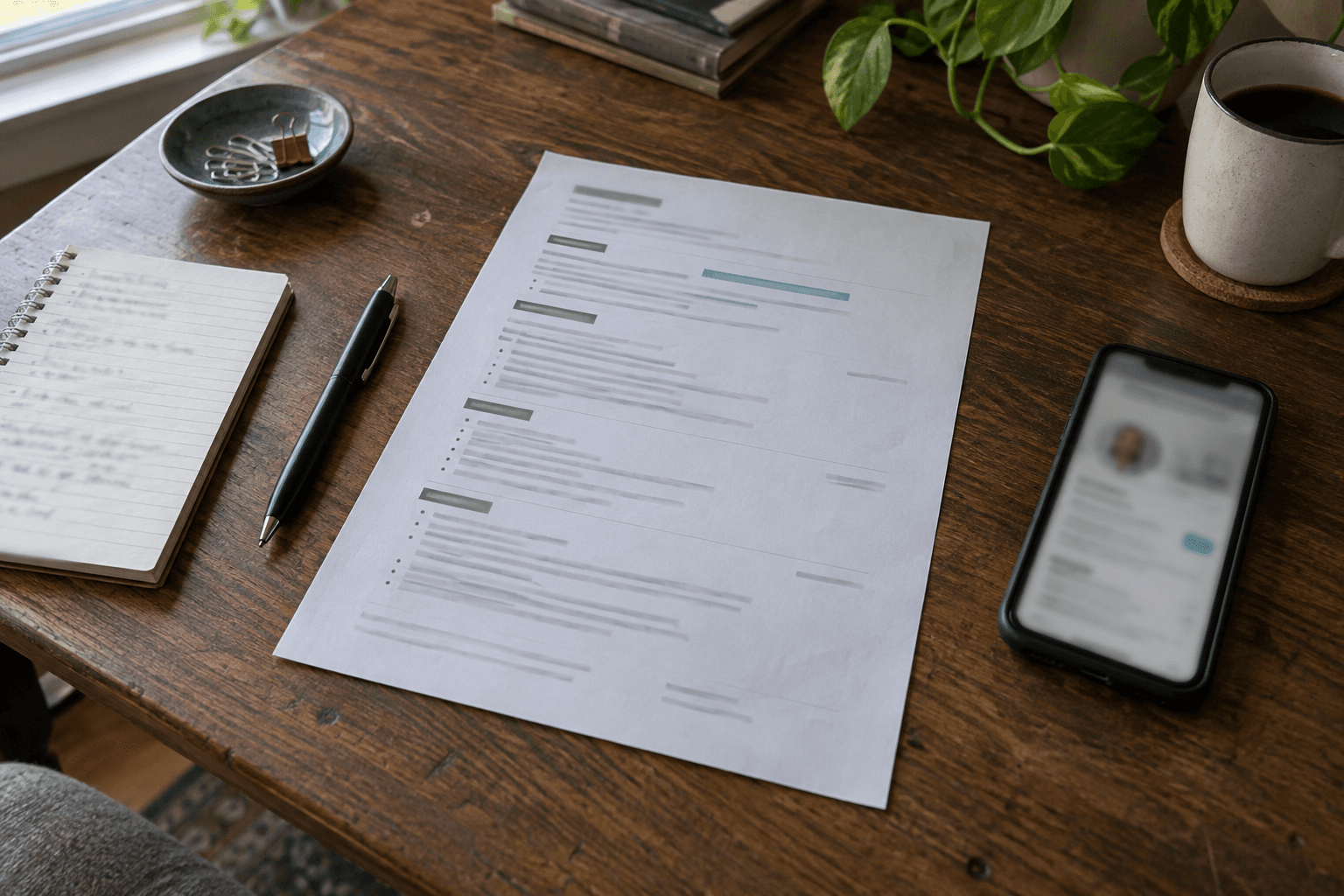
The best place for a portfolio link on a resume is in the contact header, next to your LinkedIn profile and email address. It is visible before a recruiter starts reading, survives a quick scan, and does not interrupt the experience or skills sections.
If you do not call your work a portfolio, use the label that fits it: Professional page, Personal website, Selected work, or Projects. The label matters less than making it clear that the URL opens a credible, current extension of your resume.
Do not put the link only in a cover letter, a QR code, or a footer that disappears when the document is exported. The header is the most dependable place for both people and resume parsers to find it.
Put the link in the header
Use a single clean line beneath your name and headline. For example:
[email protected] · linkedin.com/in/name · aifolio.page/name
Or, when you control the link text in a designed PDF:
Professional page: aifolio.page/name
Keep the visible address short and readable. A long tracking URL or a vague “click here” link makes the document harder to scan. If you own a personal domain, use it; otherwise, a clean hosted address is completely fine.
Choose a label that matches the role
“Portfolio” is familiar for design, writing, photography, development, and other work with visible artifacts. For many candidates, it is not the clearest description. These alternatives tend to work better:
- Professional page for a general job search profile.
- Personal website when it includes a short biography, experience, and contact details.
- Selected work when the destination is a curated collection of projects or case studies.
- Project examples when the link opens technical, research, or product work.
Do not label a link “portfolio” if it only repeats your resume. In that case, call it a professional page and make sure the page adds useful context: selected projects, details behind achievements, or a clear way to ask a relevant follow-up question.
Keep the resume ATS-friendly
An applicant tracking system may read your resume before a human does. The link should be additional context, not the only place where your qualifications appear.
Use these rules:
- Keep your email, phone number, role history, skills, and education as normal text in the PDF.
- Do not hide your only contact information inside an icon or image.
- Use a real hyperlink, but also show a readable URL because some systems print or flatten PDFs.
- Avoid URL shorteners. They can look suspicious and do not tell a recruiter where they are going.
- Test the PDF by selecting text, opening the link on a phone, and uploading it to a practice parser if you use one.
A link can help a person learn more, but it should never make your resume harder for a system to parse. If a job application offers a separate “website” field, use it too; do not assume a parser will preserve every hyperlink in an uploaded file.
Add a second link only when it earns its place
Most candidates need one destination. Add a separate GitHub, Behance, writing archive, or case-study link only when it shows a different kind of proof and is current.
For example, a software engineer might use a professional page in the header and include GitHub beside a particularly relevant project. A product designer might use a personal website in the header and a case-study link beneath a featured project. Do not turn the top of the resume into a row of six social icons; it creates choices when you want a recruiter to take one clear action.
What should the linked page include?
A recruiter who clicks should find a clear continuation of the resume, not a different version of you. Put these near the top:
- Your name, role, and a concise summary.
- The skills and experience most relevant to the roles you want.
- A few selected projects with your contribution and outcome.
- Links to public work where appropriate.
- A simple way to contact you.
You can also add a public, grounded question-and-answer experience for deeper exploration. With AIFolio, a recruiter can ask about the experience and projects you approved for your page rather than guessing from a one-page PDF. Test the answers before you share the page. It is an addition to a strong resume, not a substitute for accurate resume content.
Tailor the destination, not just the link
Before applying for a role, check that the first screen of the linked page matches the kind of work you want next. You do not need to rewrite your history for every company, but you can lead with the most relevant skills and project examples. This helps a recruiter see the connection between the job description and your experience quickly.
Keep the PDF and the page consistent. If your headline, most recent role, or contact details differ between them, the link creates doubt instead of confidence. Use a quick pre-application check: open the PDF, open the link on a phone, and confirm that the same current story appears in both places.
If you are not sure whether a personal site is worth creating, read Do You Need a Personal Website to Get a Job?. If you already have a resume, you can turn it into an AI-ready professional page and review every detail before sharing the link.
The simplest rule
Put one clear, working professional-page link in your header. Keep the PDF itself complete and easy to parse. Then make sure the page rewards the click with evidence, clarity, and a useful next step. That is enough to make the link an asset instead of decoration.